Which trailer should appear first on Steam?
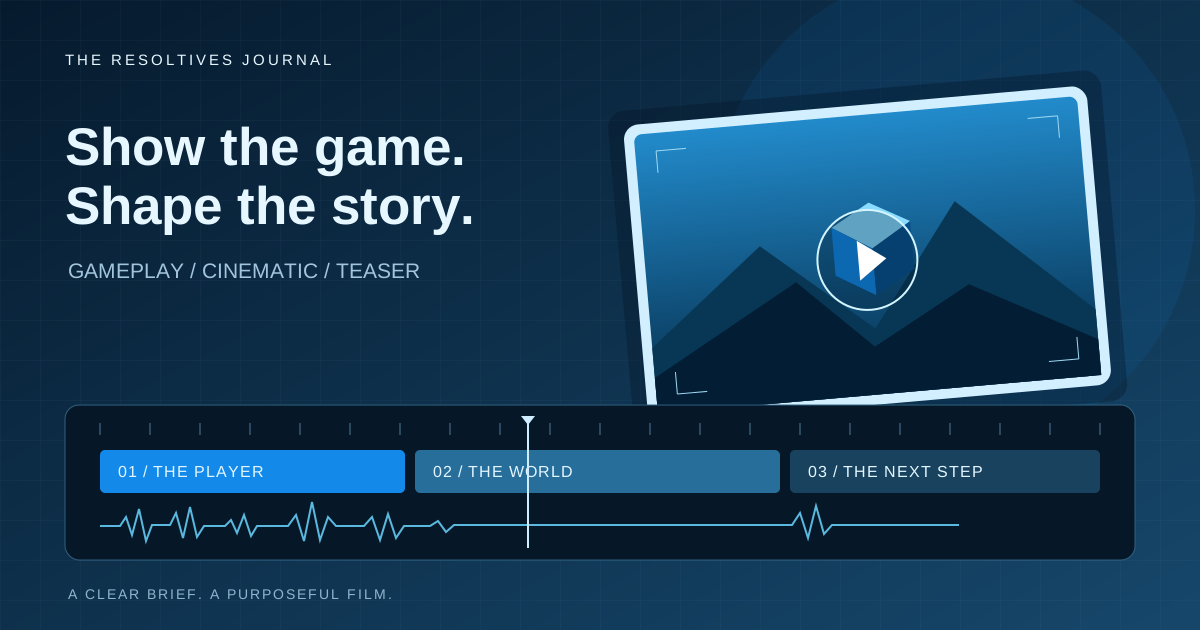
For a Steam store page, start with gameplay that makes the playing experience clear. A cinematic trailer can introduce the world, characters or story, but it should have a defined job alongside that explanation. If you can commission only one video, prioritize the footage that helps someone understand the game.
That recommendation follows Steam’s trailer guidance: Valve recommends a primarily gameplay first trailer, shown from the player’s perspective. Our production advice is to choose the brief around the question your viewer needs answered, then decide how much original animation that answer requires.
How do gameplay trailers, cinematics and teasers differ?
These are useful commissioning distinctions, not fixed creative rules. A finished trailer can combine approaches, provided the viewer can tell what is actual play and what establishes the story.
| Brief | Main purpose | Material to prepare |
|---|---|---|
| Gameplay trailer | Show the core loop, choices and player experience. | A working build, representative footage and a capture plan. |
| Cinematic trailer | Introduce the world, characters or dramatic premise. | A script or storyboard, approved art and usable animation assets. |
| Announcement teaser | Introduce a title or upcoming reveal. | The announcement, brand assets and a clear next action. |
What should you prepare before asking for a quote?
A folder of character images is different from a rigged character ready to animate. A playable build may still need camera tools, prepared saves or repeatable sequences before the team can capture a particular shot. Ask the producer to identify these gaps before agreeing the schedule.
Separate work you will supply from work the production team must create. Original environments, character animation, gameplay capture, editing and sound each need an owner. If assets are still being developed, identify which decisions can proceed and which shots depend on their approval.
Bring the current build or footage, logos, art files, reference videos and any restrictions on showing unreleased material. Confirm that music, voice and third-party assets can be used in the intended campaign.
When should you approve the structure?
Start with a shot list that explains what each moment contributes. For gameplay, choose actions a new viewer can follow: the situation, the player’s decision and its consequence. For a cinematic sequence, agree the story beats and how they connect to the game being promoted.
Review a rough cut or animatic before committing to final lighting, compositing and sound. This is the useful point to change the order, remove repetition or ask for a missing shot. Name one person who consolidates feedback, and define the review rounds and approval dates in the proposal.
Which files should the producer deliver?
A single finished video is not automatically a complete launch package. List the publishing surfaces and agree the exports for each. A vertical social version may need different framing, text placement and pacing rather than a crop of the store trailer.
Ask whether the delivery includes these items:
- The store-page master and agreed shorter or vertical versions.
- Language versions, captions and a version without baked-in promotional text where needed.
- A poster frame and separate audio elements if included in the scope.
- Editable project files, licensed asset records and ownership terms.
- Who uploads the files and checks the platform’s processed version.
Can cinematic stills replace Steam screenshots?
Steam’s store asset requirements call for at least five gameplay screenshots, with a minimum size of 1920×1080 and a 16:9 aspect ratio. Cinematic stills, concept art and marketing copy do not belong in that screenshot set.
Build a capture list alongside the trailer plan so the still images explain different parts of the experience. Do not assume an attractive frame from an animated sequence can replace a screenshot of play.
What should you check before launch?
Watch the trailer without sound and at a smaller display size. Check whether the action remains understandable and whether important text can be read. Review the actual encoded upload for cropping, audio and playback problems.
Steam automatically creates a six-second microtrailer from the first visible store-page video; it cannot be customized separately. Steam also prevents release while a trailer is still converting. Leave room for upload and processing in the delivery plan.
The store review process checks that featured content will be available at launch. Valve currently recommends submitting the page at least seven business days before the intended launch of the page, allowing time for requested changes. This is planning guidance, not a guaranteed approval date.
What belongs in a useful production brief?
Start with the game, the audience, the publishing surfaces and the milestone you are working toward. Include the available assets, the missing production work and who approves the result.
Explore Resoltives’ video production and trailers for the film itself, or 3D art and assets when the brief requires original models and visual material. A trailer is a distinct production scope; building the playable product belongs in a separate game development brief.
Sources and further reading
These official resources support the technical guidance in this article.
Put the thinking
into your project.
Tell us what you are planning. We can help turn the requirements into a clear scope.