Which channel should you build first?
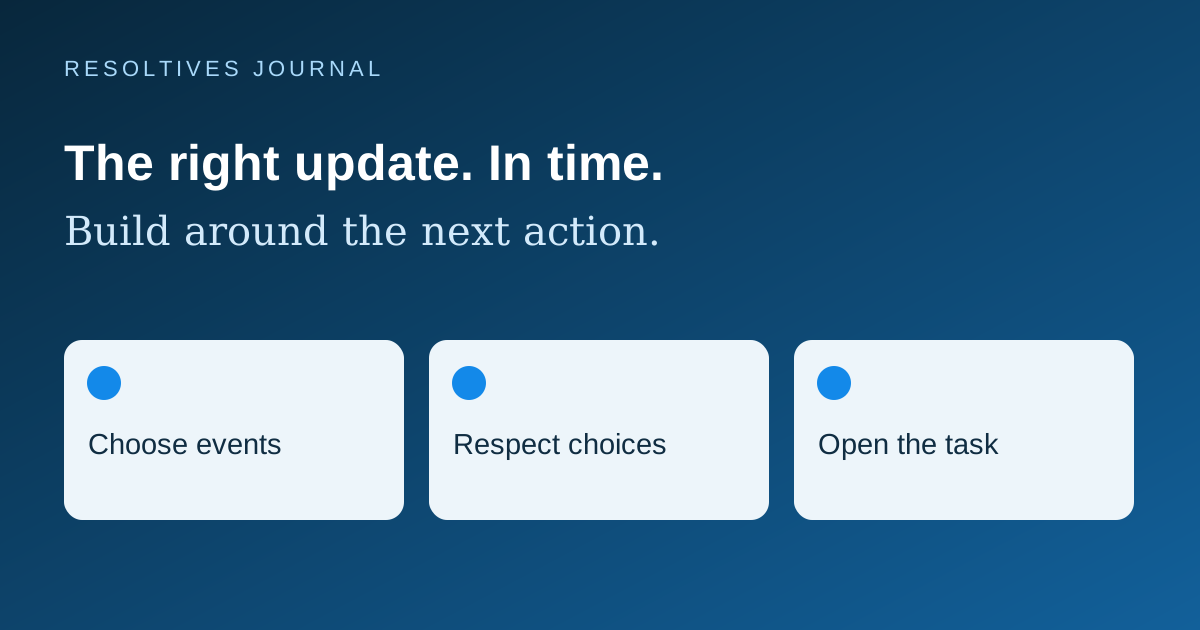
Choose the channel around the event and the action it requires. Use an in-app activity view for updates people need to find when they return. Consider email for information they may want to keep or open across devices. Add push when a timely interruption on the phone improves a core workflow, and include a plan for people who decline permission.
An MVP can begin with a small event list. For each event, name the recipient, the next action, how long the message stays useful and where its current status can be checked. That gives a development team a clearer scope than asking for notifications everywhere.
How do the channels fit different tasks?
This comparison is a planning framework. The right combination depends on how people use your product, their preferences and the consequences of missing a message.
| Channel | Useful for | Scope decision |
|---|---|---|
| In-app activity | Status changes and a history users can revisit | Read state, retention, ordering and the underlying record |
| Confirmations or details useful across devices | Recipient address, templates, preferences and delivery failures | |
| Push notification | A timely reminder or update for someone away from the app | Permission, expiration, deep link and behavior when access is disabled |
What does a practical notification plan look like?
For an illustrative fitness app, a booking confirmation could appear in activity and email, while an optional class reminder could use push. A cancellation should update the booking itself before any alert is sent. This example describes a possible scope to discuss, with no claim about an existing client product.
Keep the event map short enough to review. Record the trigger, intended audience, channel, message owner and destination screen. Define whether a reschedule replaces an earlier reminder and whether cancellation stops pending messages. The fitness app scope should include these rules alongside the booking screens.
Distinguish personal reminders from general announcements in the preference design. People may want class updates while declining promotional messages. Let the product explain each choice in language tied to an actual benefit.
When should the app request notification permission?
Ask when the value is clear. Apple’s permission guidance recommends requesting authorization in context, such as after a person schedules a task. It also explains that authorization settings can change, so the app needs to check the current state.
Android 13 and higher use a runtime permission for non-exempt notifications. On newly installed apps running those versions, notifications are off until permission is granted. Review the current Android notification permission guidance when defining the supported devices and onboarding flow.
Include the decline path in the designs. A user should still be able to view their booking or task and understand how to manage reminders. Repeated prompts without a useful explanation can make the app feel demanding.
What happens when a message arrives late?
Set an expiration rule for time-sensitive events. A class-start reminder has a different useful life from an account update. Recheck whether the event still applies before generating a scheduled alert, and make the destination screen display the current state when the person opens it.
Firebase Cloud Messaging documents that receiving a message ID means a message was accepted for delivery. It does not establish that the device already received it. Its message lifespan guidance describes storage and expiration for messages that cannot be delivered immediately.
For US audiences across time zones, store the event’s intended time zone and show it clearly where scheduling is involved. Decide whether a reminder follows the venue’s local time or the traveler’s device time. Test daylight-saving changes in the zones your product supports. Avoid making a phone alert the only place a customer can verify an important status.
Where should a notification take the user?
Open the specific relevant record when the person has access. Handle signed-out users, expired sessions, canceled events and removed records. After signing in, the app should either resume the intended destination or explain why it is unavailable. A generic home screen leaves the person to search for the update.
Choose lock-screen wording with the product’s data in mind. A short prompt to view an update may be more appropriate than displaying personal details. Confirm what happens on shared devices and when users sign out or change accounts. Device registration and account association belong in the implementation scope.
Which cases should the agency demonstrate?
Ask for a walkthrough on the supported iOS and Android versions, covering both receipt and the action after opening the message.
- Allow permission, decline it and later change the system setting.
- Open the alert while the app is closed, already open and signed out.
- Reschedule or cancel an event after a reminder has been queued.
- Reconnect after the message has expired and confirm the agreed behavior.
- Retry a sender operation and check that it does not produce duplicate alerts.
- Change time zones and test the supported daylight-saving transition.
- Switch accounts and verify that the previous account’s updates stop reaching that device.
- Confirm that message status and the current business record remain understandable when a channel is unavailable.
What should the notification estimate include?
Include the event map, message templates, preference screens, permission flow, sender jobs, delivery-status handling and device tests. Ask which provider accounts and recurring usage charges are needed. Scope an initial event set before adding campaign tools, complex segmentation or several additional channels.
The app proposal checklist helps compare the wider build, while the store launch guide covers release preparation. For mobile app development, send Resoltives the three events users most need to act on. We can use that list to define the first notification release.
Sources and further reading
These official resources support the technical guidance in this article.
Put the thinking
into your project.
Tell us what you are planning. We can help turn the requirements into a clear scope.