Which approach should you choose?
Start with your CRM’s own form or a supported form integration when it meets your design and routing needs. Commission a custom connection when you need a different visitor journey, multiple destinations or explicit recovery when delivery fails. In either case, the scope should explain where an inquiry is saved, who receives it and how someone notices a failure.
A thank-you message is only useful if it reflects what the system actually completed. Ask your developer to demonstrate a saved inquiry in the destination system, including its source page and assigned owner. An email notification alone does not prove that a CRM record was created.
Embedded form, connector or custom integration?
Use this comparison to choose a starting scope. These are planning tradeoffs, not a ranking of vendors. A supported connector still needs configuration, testing and someone responsible for its subscription and failures.
| Approach | Good starting point when | Include in the brief |
|---|---|---|
| CRM form embedded on the site | Its fields and presentation suit the visitor journey | Mobile layout, accessibility, spam handling, ownership and notification rules |
| Existing form with a supported connector | You want to keep the current form and its destination is supported | Field mapping, usage limits, failed-run alerts and retry behavior |
| Custom form and server integration | You need conditional steps, several systems or a controlled recovery flow | Secure credentials, durable capture, deduplication, delivery status and maintenance |
Is installing the CRM tracking script enough?
Do not assume that a tracking script covers every form. For example, HubSpot documents that its non-HubSpot form capture depends on the tracking code loading successfully. It also lists restrictions for dynamically added forms and single-page applications, and warns that submit-button clicks can collect partial submissions. Check the current non-HubSpot form requirements against your actual website.
HubSpot also provides an authenticated form submission endpoint with fields, page context and consent options. That is a separate integration route. Selecting an API does not automatically provide your site with a recovery queue or correct sales assignment; those behaviors still need to be designed and tested.
Before a redesign, identify which mechanism currently creates inquiries. Replacing the visible form without checking its integration can leave a convincing interface with no working handoff.
Which details should reach the sales team?
Agree on a small field map before development. Capture what helps the team respond, without turning the first conversation into an application form. Make optional fields genuinely optional. Keep an inquiry about a project separate from permission to receive marketing messages.
For a property business, for example, the listing identifier and preferred viewing time may be more useful than a long general questionnaire. Record the time zone when timing matters. A real estate product may also need to link the request to a property already held in another system.
| Website information | Destination decision | Question to settle |
|---|---|---|
| Name and preferred contact method | Contact record | What happens if that contact already exists? |
| Project need or selected listing | New inquiry, activity or deal | Can a returning contact make a separate request? |
| Page and optional discovery answer | Separate source fields | Can the team distinguish submission page from acquisition source? |
| Budget or timing, if supplied | Corresponding inquiry fields | Will blank values remain unknown rather than become invented defaults? |
| Contact and marketing choices | Separate permission records | Does each recorded choice match what the visitor agreed to? |
What should happen if the CRM is unavailable?
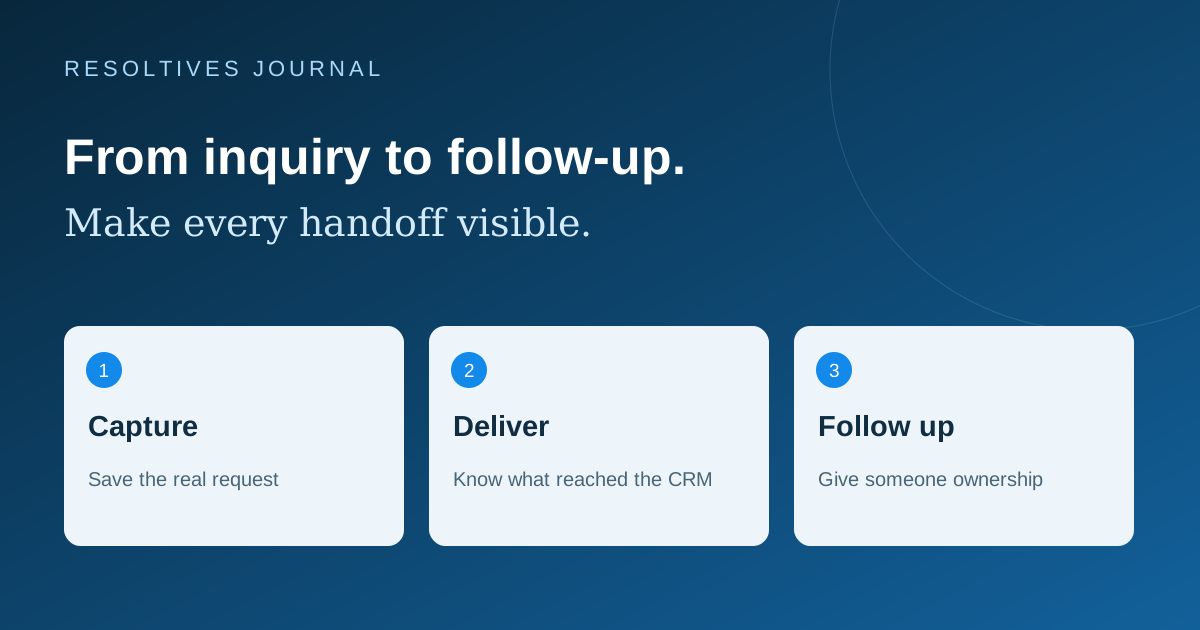
For a custom integration, we recommend saving an accepted inquiry in durable storage before confirming receipt, then tracking its delivery to the CRM. Protect that store, restrict access and agree how long records are retained. If the first save fails, show a useful error rather than claiming success. If CRM delivery is delayed, give the team a visible pending status and a recovery path.
Use a stable submission identifier so a retry can be recognized as the same request. An email address alone is not enough: one person may legitimately ask about two projects. After an ambiguous timeout, check whether the destination accepted the request before blindly creating another record.
HubSpot’s API usage guidance explains that limits vary with the account and integration, and some endpoints have specific limits. Ask the developer to handle temporary limits with controlled retries and permanent errors with an alert. Keep private integration credentials on the server, outside browser code.
How can you test the connection before launch?
Use labeled test records and watch the result in both the website and CRM. Agree who removes test data afterwards. This checklist is a practical acceptance exercise to adapt to the chosen integration.
- Submit once on a phone and confirm the complete inquiry reaches the correct owner.
- Retry the same submission after a simulated timeout; check that it does not create duplicate work.
- Send a genuinely different request from the same contact; confirm that the new request is retained.
- Leave optional budget and phone fields blank; verify that the form still behaves as promised.
- Simulate a destination outage and demonstrate the pending record, alert and recovery process.
- Check that declining optional marketing does not silently become a marketing subscription.
- Confirm that sales can identify the submitted page without treating it as proof of where the person first discovered the business.
What should you ask an agency to quote?
Provide the current form, CRM name and plan, required fields, assignment rules and an example of a successful handoff. Ask for separate scope lines for setup, custom behavior, testing and ongoing maintenance. Identify recurring connector or CRM charges before approving the build; no universal integration price fits all of these paths.
The website handover checklist helps clarify account ownership. The guide to third-party widgets and mobile speed covers the loading impact of added tools. If you want Resoltives to scope the connection as part of website development, send your current form and the destination workflow. Do not include passwords or customer records.
Sources and further reading
These official resources support the technical guidance in this article.
Put the thinking
into your project.
Tell us what you are planning. We can help turn the requirements into a clear scope.