Do useful widgets have a performance cost?
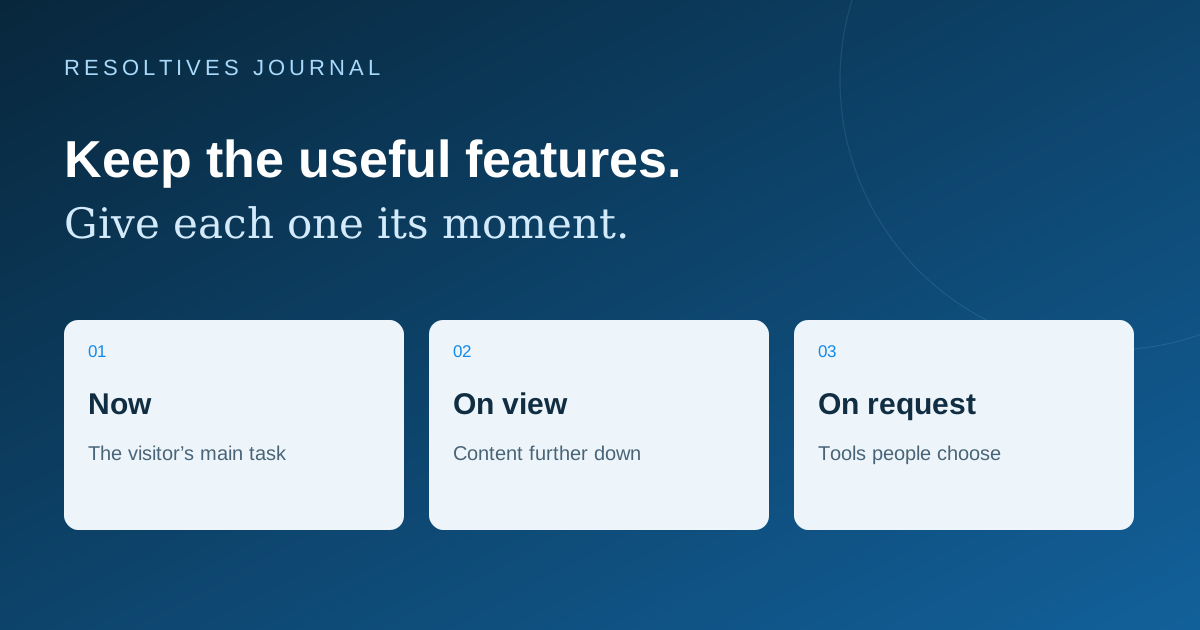
They can. Chat, video, maps and other embedded tools may add downloads and browser work to a page. The effect depends on the tool, where it appears and when it starts. Before removing a useful feature, measure its contribution and decide whether it needs to load immediately, after the visitor reaches it, or when they choose to use it.
The practical goal is a page that explains the offer quickly and lets people act without delay. A chat launcher is useful only if the visitor can still read the page, open the menu and complete the contact form. Treat those interactions as part of the design brief.
What does an embedded tool add to the page?
An embed can connect to another provider and load its own scripts, images or interface. Those resources share network and processing capacity with your website. Google’s web.dev guidance explains that third-party JavaScript can create additional requests and affect rendering. The cost is not always visible in the small piece of embed code supplied by the vendor. See third-party JavaScript performance.
Start with an inventory: the tool, the page where it is needed, the business purpose and the person responsible for it. Include items added through a tag manager as well as visible widgets. Look for two tools doing the same job or a feature that remains installed after the campaign that needed it has ended.
Should each feature load immediately, on scroll or on click?
Choose the loading behavior around the visitor’s task. The following table is a planning framework, not a promise that one pattern suits every provider. A booking page may need its booking interface early; a general company page may only need a clear link to it.
| Feature | Possible starting approach | What to confirm |
|---|---|---|
| Video lower on the page | Show a poster and load the player on request | The visitor can recognize the video and start it easily |
| Chat | Show a lightweight launcher, then initialize the conversation | Opening, typing and closing work on a phone |
| Office map | Show the address and directions link before the interactive map | The destination remains available if the embed fails |
| Booking tool | Load it where booking is the main task | Availability and confirmation are clear |
| Social feed | Use selected content or a link where a live feed adds little | The choice still serves the page’s purpose |
How can video and chat stay visible without loading everything first?
A lightweight placeholder can present the purpose of an embed before the full tool loads. A video poster with a play control is a familiar example. web.dev describes this click-to-load approach for video, chat and other embeds. It also recommends reserving space for content that arrives later so it does not push the page around. See embed loading best practices.
Make the transition understandable: show a loading state after the visitor acts, keep the close control reachable and provide an alternative if the service fails. For a video, that might be a direct watch link. For chat, it might be the project form or company email. Keep essential service information available as ordinary page content.
A placeholder should also work with a keyboard and have a clear label. A picture that looks like a play button but does nothing is an interface defect, even if it makes the initial speed score look better.
Which measurements tell you whether the experience improved?
Separate loading, responsiveness and visual stability. Current Core Web Vitals use LCP, INP and CLS for those areas. Google’s good-experience thresholds are LCP at most 2.5 seconds, INP at most 200 milliseconds and CLS at most 0.1, assessed at the 75th percentile and segmented by mobile and desktop. These are measurement targets, not a ranking guarantee. See the Web Vitals guidance.
Ask for a before-and-after test using the same page, device conditions and measurement method. A controlled lab run helps investigate a change; real visitor measurements show what happens across actual devices and connections. Label which kind of evidence is being shown. If a new or low-traffic site has little field data, keep that limitation visible instead of presenting a laboratory result as everyone’s experience.
Include the interaction after the initial load. A fast first screen can still lead to a slow chat opening or an unresponsive booking form. Record both whether the feature loads and whether its main task works.
What should a mobile acceptance check include?
Test the combined page, not just each widget in isolation. A cookie choice, chat launcher, sticky navigation and phone keyboard can compete for the same small screen. On a travel booking experience, for example, the visitor still needs to see the selected dates and the next action when support is open.
- Load the page on a phone and confirm that the offer and primary action are readable.
- Open and close chat, then return to the page without losing the scroll position.
- Type with the phone keyboard open and check the send and close controls.
- Play a video and confirm that its container does not move nearby content unexpectedly.
- Use the menu and contact form while other page features are present.
- Test a slow or failed third-party response and the alternative contact route.
- Repeat the important journeys after changing a widget or its loading behavior.
Does this require a complete website rebuild?
Not necessarily. Begin with a focused review of the affected pages and the tools they load. Removing a duplicate script, changing when a player starts or simplifying a social feed can be a smaller job than rebuilding the site. The correct scope follows the evidence; replacing the whole platform should have a separate reason.
Agree on the pages to assess, the integrations that must remain and the acceptance checks before commissioning the work. Our redesign checklist covers a broader site change, while the handover guide helps your team keep control of installed services. For a website development or improvement project, bring the affected page URLs and the feature your visitors are struggling to use.
Sources and further reading
These official resources support the technical guidance in this article.
Put the thinking
into your project.
Tell us what you are planning. We can help turn the requirements into a clear scope.