What belongs in the first release?
A useful first import should accept one clearly defined file format, show how its columns map to your product, validate the rows, explain duplicates and report exactly what was saved. Include a way to correct rejected rows and retry safely. Start with the records customers need to begin using the product, then estimate additional formats and relationships separately.
For a US business moving from spreadsheets to SaaS, the difficult part often sits inside familiar-looking cells. A customer number can have leading zeros, a date can have several interpretations and a blank field can mean either unknown or intentionally cleared. Agree on these meanings before an agency builds the upload screen.
Do you need self-service importing at launch?
Choose the approach around onboarding frequency and the person responsible for the data. A few early customers with complex records may benefit from a supervised migration. A product that expects customers to upload a standard file regularly needs a repeatable interface and visible history. Neither choice removes the need to check the result.
| Approach | Suitable starting situation | Include in the estimate |
|---|---|---|
| Supervised migration | A small initial customer group with varied files | Mapping review, trial load, approval and reconciliation |
| Standard CSV template | Customers can prepare a consistent set of records | Downloadable template, field rules, preview and error report |
| Flexible column mapping | Customers arrive with different exports | Saved mappings, required-field checks and supported transformations |
Which spreadsheet rules should the team document?
Create a short data contract using a sanitized sample file. List required columns, accepted values, maximum lengths and the rule for each blank field. Identify the record’s stable customer or external ID. Specify whether the import creates records, updates existing records or supports both.
Make dates explicit in the template. A value such as 04/05/2026 is ambiguous across regions, so choose a documented format such as YYYY-MM-DD. Keep identifiers as text when leading zeros matter. For amounts, label the currency and decide how separators, negative values and precision are handled. These decisions support US buyers while keeping international uploads understandable.
For an education platform, students, courses and enrollments may arrive in separate files. Decide how an enrollment finds the correct student and course. Loading rows in the wrong order or matching on names can create an onboarding problem even when every file uploads successfully.
What should the preview tell the customer?
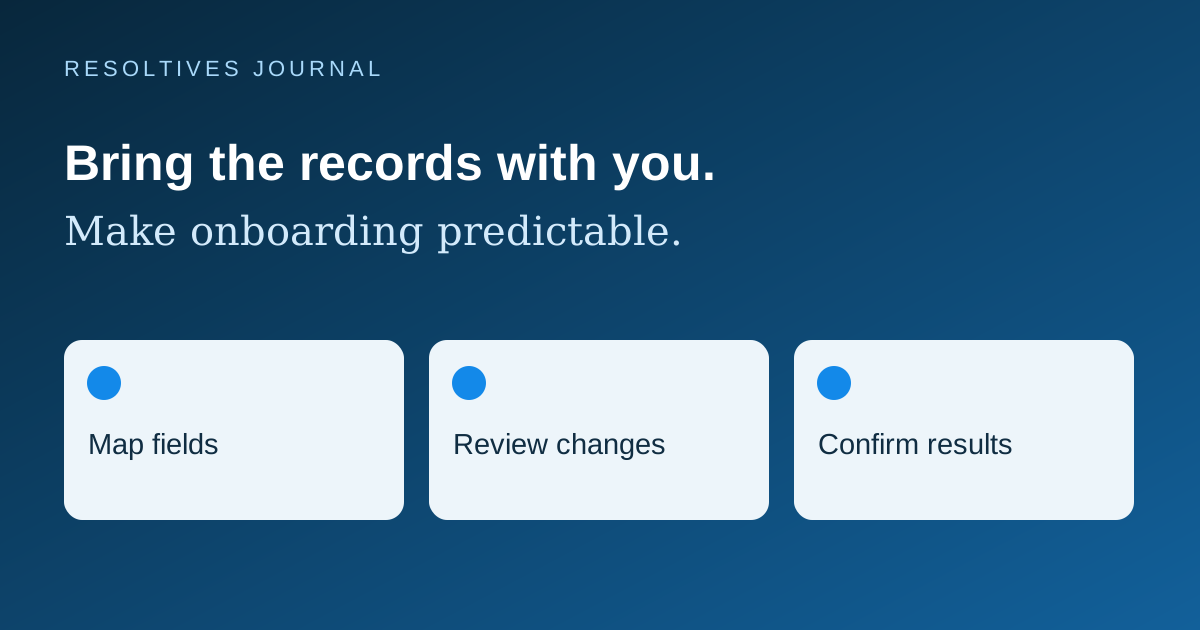
Show the selected organization, file name, mapped columns and a sample of interpreted values before applying changes. Summarize rows expected to create, update, skip or fail. Make the user confirm the destination and the intended action, especially when existing information will change.
A database loader supplies only part of this workflow. PostgreSQL’s COPY documentation describes CSV options including headers, delimiters and encoding, and explains that COPY FROM appends data to the table. Your product still needs its own field mapping, business validation and customer-facing result.
Errors should identify the source row, affected field and a practical correction. A useful message might ask for an existing course ID instead of exposing an internal database error. Keep original row numbers stable when generating the correction file so the customer can find the problem.
What happens when the customer uploads the same file twice?
Specify duplicate rules within the file and against existing records. Decide which fields identify a match inside the customer’s organization. A person’s name is usually too weak, and an email address may change or be shared. Ask whether a blank imported field should leave an existing value alone or erase it.
PostgreSQL provides conflict-handling options through INSERT ON CONFLICT. Those options can support an implementation, but the business must still choose the matching key and update rules. A technically successful update can still replace information the customer intended to keep.
Agree whether the import is all-or-nothing or saves valid rows while reporting rejected ones. For partial imports, retain a batch identifier and a result summary so a corrected retry can be recognized. Discuss rollback separately, including what happens if someone edits imported records after the batch completes.
Who can import, and what limits belong in the scope?
Name the roles allowed to upload and approve changes. Validate organization ownership on the server and ensure relationships cannot point to another customer’s records. Limit file size and row count, define the expected processing time and show progress when work continues after the upload completes.
Record who started the import, its status and the counts produced. Agree how long uploaded files and correction reports remain available, who can download them and what support staff may see. Use sanitized samples during development and acceptance testing.
What should you test before accepting the feature?
Run these checks with the agency using agreed sample files and compare the product’s records with the import report.
- Import a valid sample and reconcile the expected create and update counts.
- Try leading-zero IDs, quoted commas, non-English names, blank values and an invalid date.
- Upload the same batch twice and confirm the agreed duplicate behavior.
- Correct rejected rows and retry without repeating completed work.
- Interrupt processing and demonstrate how the team identifies what was committed.
- Attempt a cross-organization relationship and confirm that access is rejected.
- Try the agreed maximum file size and check progress, timeout and result reporting.
What should you send for an import estimate?
Provide a sanitized source sample, expected record counts, import frequency and the rules for matching existing records. Include related files and explain who approves changes. These inputs make a bounded first release easier to estimate than a general request to support Excel uploads.
Our SaaS MVP planning guide covers the wider product scope, and the permissions guide helps define access. For a SaaS development project, send Resoltives the onboarding workflow and a sanitized file structure so we can scope the import alongside the application.
Sources and further reading
These official resources support the technical guidance in this article.
Put the thinking
into your project.
Tell us what you are planning. We can help turn the requirements into a clear scope.