When should launch preparation begin?
Start during project planning, while there is still time to resolve account access, testing and content decisions. A working app build is one deliverable. A release also needs accurate store information, a reviewable product, an available backend and someone responsible for responding to the stores. Put those tasks in the development scope before agreeing on a public launch date.
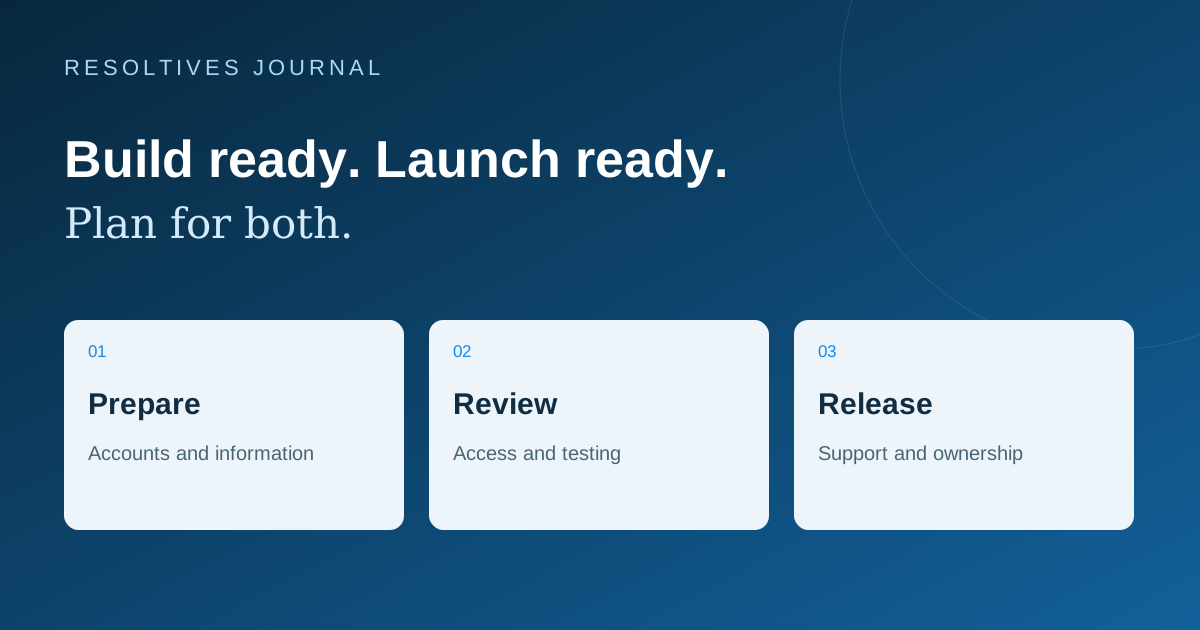
Ask your agency to distinguish three milestones: ready for your acceptance testing, submitted for store review, and available to customers. Each has a different owner and dependency. Treating them as one date makes it difficult to see whether a delay belongs to development, missing business information or the review process.
Who should own each part of the release?
Use a small responsibility table in the project brief. Your business should know which developer accounts publish the app, who can access them and who receives store messages. Keep credentials in the platforms’ access controls; a shared project document should record responsibilities rather than passwords.
For an existing app, confirm that the team is updating the correct store record and has the access needed for that release. A redesign should not accidentally become a second listing with a new identity.
| Workstream | Business contribution | Delivery-team contribution |
|---|---|---|
| Accounts and access | Confirm the publishing entity and responsible contact | Check the permissions needed to prepare and submit the release |
| Store presentation | Approve the name, description and support contact | Prepare accurate screenshots and the release materials in scope |
| Review access | Explain any real-world conditions or special access | Provide a working review path and test it |
| Data practices | Approve the intended collection and use of data | Document the app, SDKs and integrations actually included |
| Release operations | Choose the rollout decision maker and support owner | Monitor the release and prepare the next update process |
What does the reviewer need to use the app?
Apple’s submission guidance asks for complete metadata, a tested app and access to its features. Account-based functionality needs suitable demo access or a fully featured demo mode, and backend services must be available during review. Use the current App Review Guidelines as the starting point for the submission checklist.
Prepare a review journey that a person outside your company can follow. If a feature depends on a booking, invitation or sample record, include the information needed to reach it. Check whether a one-time login code, region restriction or expired account prevents access. Use dedicated demonstration data so that a reviewer can understand the workflow without being shown a customer’s private records.
For example, a fitness product might need a sample training plan and an account with access to the relevant membership screen. Include that preparation in a fitness app development scope alongside the feature itself.
Can testing requirements affect the launch date?
Yes. Google currently requires personal developer accounts created after November 13, 2023 to run a closed test with at least 12 testers continuously opted in for at least 14 days before applying for production access. Meeting that condition allows an application for access; it is not an automatic public launch. Check whether the account falls within this rule in Google’s testing requirements.
Keep required testing separate from your own acceptance testing. Your business still needs to check the journeys it is paying to deliver, even where a particular account rule does not apply. Ask who recruits testers, gathers useful feedback, fixes issues and decides when the build is ready. An agency estimate should make those dependencies visible.
Set an internal target for submission and a separate communications plan for availability. Avoid tying a paid campaign or an event promise to an assumed review turnaround.
What information should be collected about the app’s data use?
Make an inventory of the information the app handles and the tools included in the release: account services, analytics, crash reporting, payments and other integrations. Record what each component does and ask the implementation team to confirm the inventory against the actual build.
Apple requires app privacy information for new apps and updates, including relevant practices of third-party partners whose code is integrated. Its guidance also requires a publicly accessible privacy policy URL. Review the current App Privacy Details with the people responsible for the product’s data practices. Answers should describe the delivered product, rather than being copied from another app.
Assign someone to maintain the release information when a feature or SDK changes. A new analytics integration can create documentation work as well as engineering work.
Which checks should the business witness before submission?
Use a short walkthrough on the devices and operating systems agreed in the scope. Ask the team to demonstrate the most important journey and at least one failure or recovery case. Choose checks that reflect your product; this is a starting checklist to adapt.
- Create an account, sign in and recover access using the intended flow.
- Complete the primary task, such as a booking, saved record or purchase.
- Try an interrupted connection and confirm that the app explains what happened.
- Check that store screenshots and descriptions match the submitted build.
- Open every support and policy link from the release materials.
- Run the reviewer’s instructions with a fresh demonstration account.
- Name the person who handles review questions, release decisions and launch-day support.
What should the proposal say about store submission?
Look for explicit responsibilities for submission, review responses and fixes, plus a clear boundary between correcting agreed functionality and adding a new feature. Confirm what support is included after release and how later operating-system or platform changes will be handled. These details make competing proposals easier to compare.
Our mobile app proposal checklist covers the wider commercial scope. If the platform choice is still open, start with the native and cross-platform comparison. For a mobile app project, bring the intended audience, core workflow and current developer-account status so the release plan can be scoped alongside the build.
Sources and further reading
These official resources support the technical guidance in this article.
Put the thinking
into your project.
Tell us what you are planning. We can help turn the requirements into a clear scope.